Techtek e-shop Quality branded batteries and chargers at the best prices
fi English
4,8
Trusted by thousands of satisfied customers

Summer is here! And so is our special offer on batteries and toners!

Power for your office and home. Premium printer cartridges
batteries and chargers. Europe-wide.

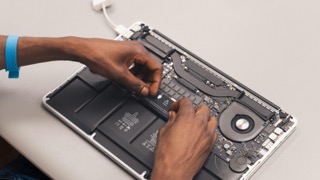
Obrázek 1 Obrázek 2 Obrázek 3

We’re giving you the power to keep your device going

At Techtek, we're passionate about helping you extend the life of your device. Our shop offers high-quality third-party batteries, power supplies, printer cartridges, and toners that deliver reliable performance.

We’re supplying a wide range of options for your favorite devices, prioritizing sustainable solutions that reduce electronic waste and contribute to a greener future.

Newest articles

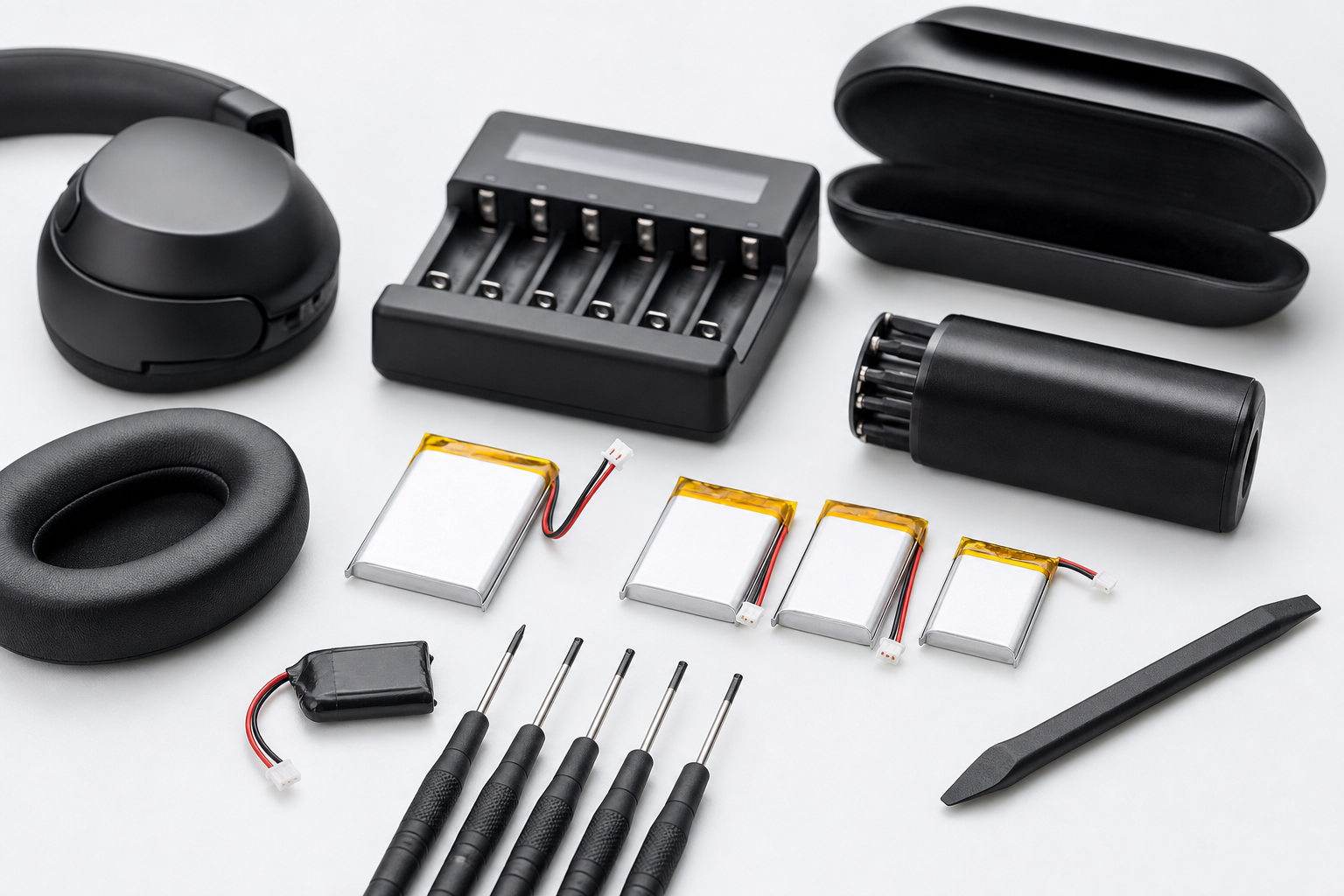
"How to Improve Your Headphones' Battery Life with New Batteries"

IntroductionWith today's wide range of wireless headphones, we often encounter the problem of their battery life. Batteries for headphones are a key factor that affects the overall user experience. In this article, we will focus on practical advice and recommendations on how to improve the battery life using new batteries, in the context of products available on the Techtek e-shop.Parameters and selection of batteries for headphonesBefore replacing the battery, it is important to know the key parameters that affect its performance and lifespan. The main factors are capacity (measured in milliampere-hours, mAh) and voltage (measured in volts, V). A higher capacity means longer battery life, but it is also important that the battery has the appropriate voltage for the given headphone model.On the Techtek e-shop, we offer a wide range of batteries with various capacities and voltages specially designed for wireless headphones. Choosing the right battery can significantly extend playtime. It is recommended to select batteries with at least 20% higher capacity than the original battery, if the headphone specifications allow.Battery comparison tableBattery ModelCapacity (mAh)Voltage (V)CompatibilityBattery A3003.7Model X, YBattery B4003.7Model ZBattery C3503.8Model X, Y, ZTools needed for battery replacementFor successful battery replacement, it's important to have the right tools at hand. On the Techtek e-shop, you can find sets with pentalobe, torx, and other types of screwdrivers to facilitate the disassembly of headphones. We also recommend purchasing specialized covers for headphones to make the disassembly and reassembly process as safe and efficient as possible.Pentalobe screwdriver: often needed for special screws on some headphone models.Tweezers: help with precise removal and insertion of batteries.Emergency power bank: suitable for quickly charging headphones during the installation of a new battery.Tips for improving battery lifeEven after replacing the battery, there are ways to maximize its lifespan. One of the key factors is proper battery maintenance and charging. We recommend:Avoiding extreme temperatures: Long-term exposure to heat or cold can reduce the battery's capacity.Avoid delaying charging to the max: Keeping the charge level between 20-80% extends the battery's lifespan.Regularly updating firmware: Updates often address energy consumption optimization.ConclusionReplacing the battery can significantly extend the lifespan and usability of your wireless headphones. On our Techtek e-shop, you will find a wide range of batteries suitable for various headphone models, as well as the necessary tools for easy installation. We recommend paying attention to proper maintenance and use of the batteries according to the provided tips, which will affect your headphones' performance in the long run. Choose from our products and enjoy music without constant interruptions....


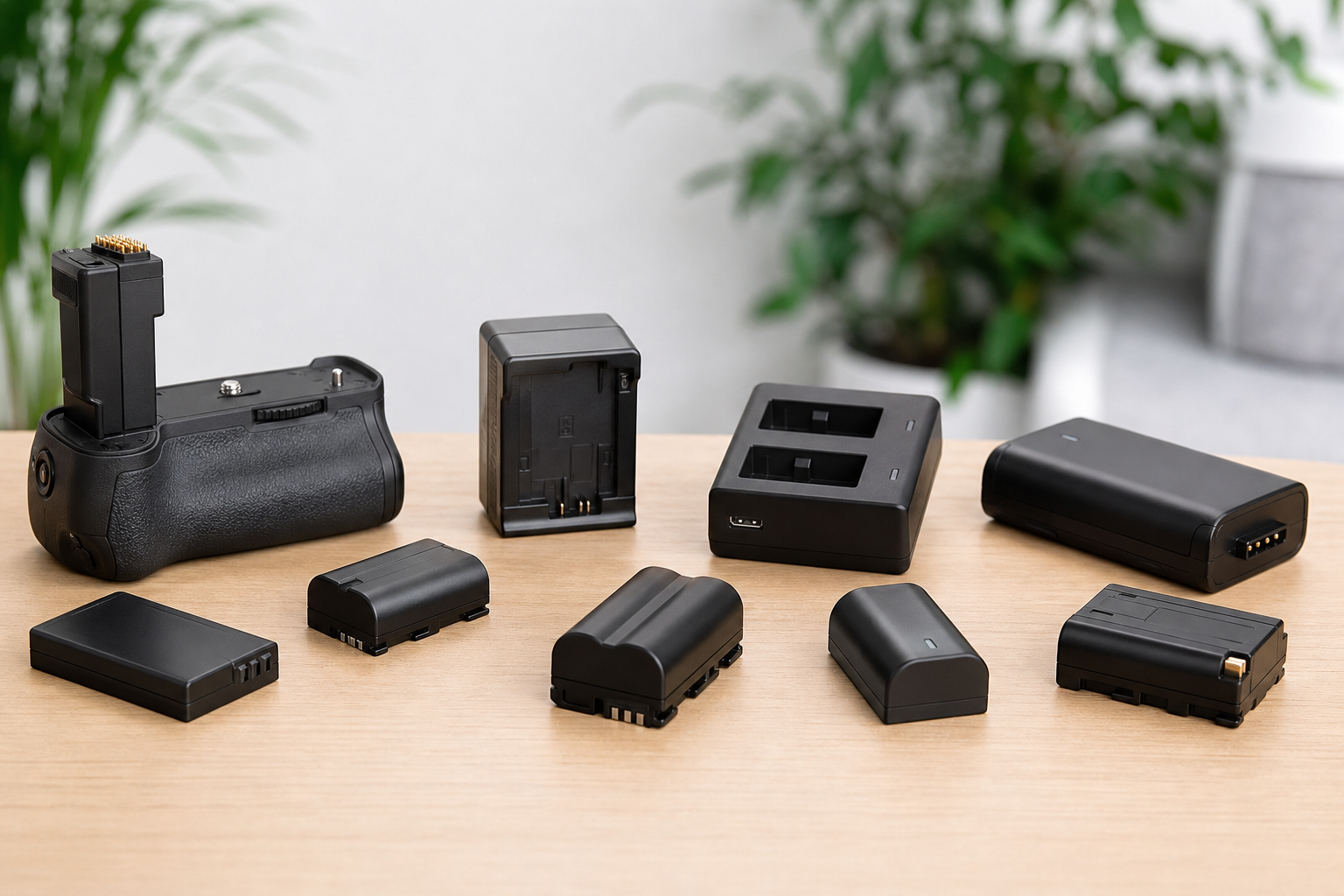
All About Cameron Sino Batteries: What Do We Offer?

Introduction to the World of Cameron Sino Batteries Cameron Sino batteries are a highly regarded name in the world of portable power solutions. On our e-shop Techtek, we offer a wide range of these batteries, known for their quality, longevity, and reliability. Whether you are looking for a replacement for a worn-out phone battery or need a custom battery pack for a specialized device, Cameron Sino offers countless options. Quality and Specifications of Cameron Sino Batteries Cameron Sino is known for a wide range of battery capacities and chemical compositions that allow them to serve in various applications. Here are some key specifications to be aware of: Construction and Materials: We use top-notch materials and modern construction technologies. Each battery is equipped with protection against overcharging, short-circuiting, and excessive discharging. Capacity: We offer a wide range of capacities, from 600 mAh to 6000 mAh and more, allowing for longer life on a single charge. Battery Chemistry: Primarily lithium-ion (Li-ion) and lithium-polymer (Li-poly), ensuring high energy density and low weight. Comparison with Competitors When selecting the right battery, it's important to consider the competition on the market. Cameron Sino excels in several areas, often surpassing other manufacturers: Manufacturer Capacity (mAh) Price (CZK) Lifespan Cameron Sino 1000 - 6000+ 300 - 1500 3 - 5 years Competitor A 800 - 5000 250 - 1300 2 - 4 years Competitor B 600 - 4000 200 - 1200 1 - 3 years Practical Tips for Using Cameron Sino Batteries To ensure your Cameron Sino battery lasts as long as possible, follow these practical tips: Store batteries in a dry and cool place at room temperature. Avoid complete discharge; try to maintain the battery between 20-80% capacity. If you won't be using the battery for an extended period, discharge it to approximately half. Conclusion and Recommendations Cameron Sino batteries offer reliable and long-term solutions for various needs of your electronic devices. Their quality construction and wide selection make them an ideal choice. We recommend them to everyone seeking not just a replacement, but an enhancement in their device's performance. Visit our e-shop Techtek and discover the complete range of Cameron Sino batteries today!...

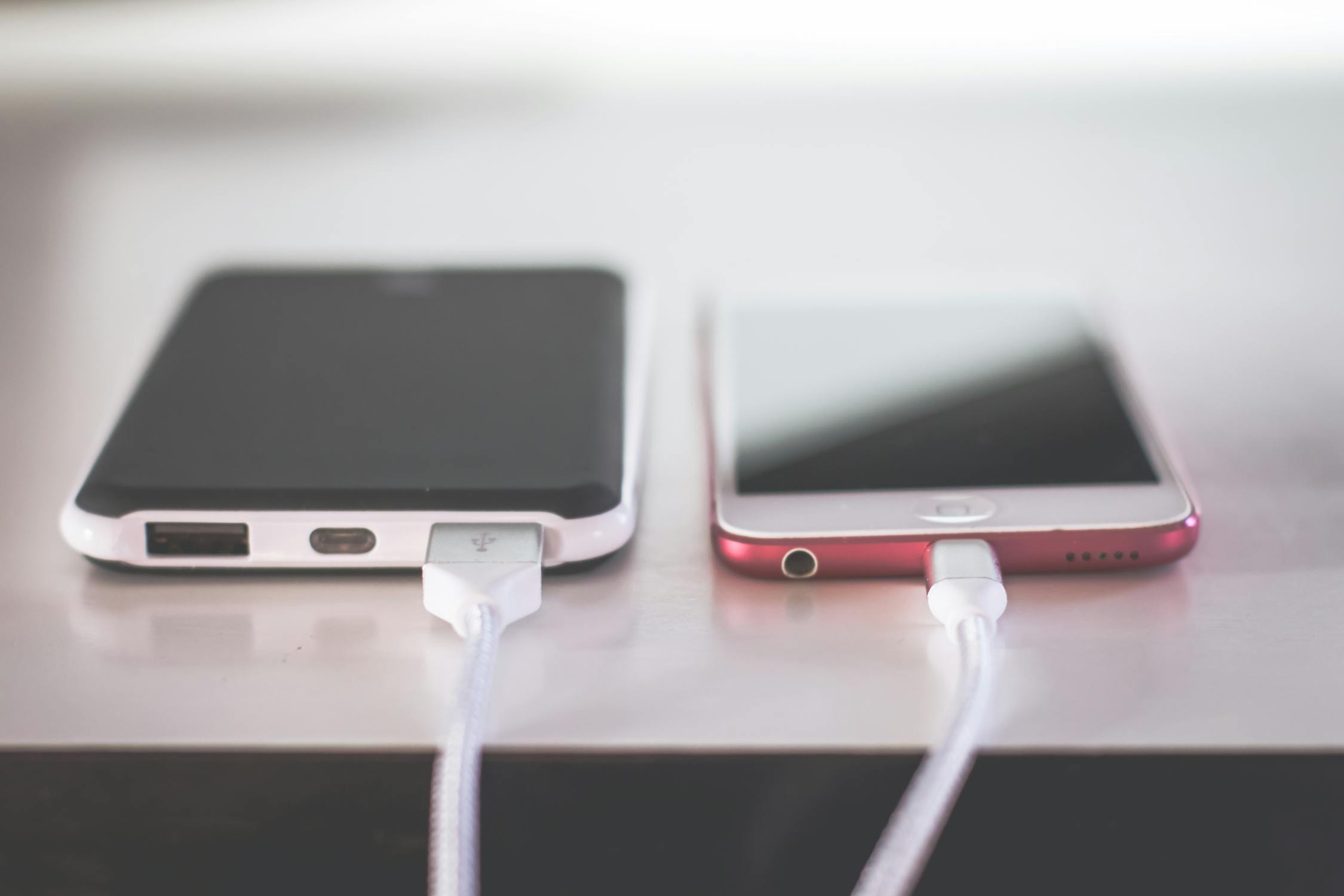
Extending Battery Life: Tips and Tricks for Everyday Use

Keeping your battery in great condition is not just about the latest technology – proper care is key. The following tips will help you get the most out of each charge and slow down the natural aging of the battery. 1. Maintain Proper Temperature Avoid overheating During charging or intensive use, the battery may generate heat. If your device is getting too hot, consider temporarily removing the case or moving it away from direct sunlight or other heat sources. Don’t let the battery freeze Extremely low temperatures temporarily reduce capacity and, in extreme cases, may damage the battery. 2. Charge Timely, Don’t Overcharge Optimal range: 20–80% If possible, avoid letting the battery drop to 0% or staying at 100% for extended periods. Regular charging within this mid-range best supports battery longevity. Don’t leave your device constantly plugged in Although modern batteries and power management limit the impact of overcharging, it's better to unplug the charger once the battery reaches a sufficient level. 3. Turn Off What You Don’t Need Wireless functions Wi-Fi, Bluetooth, and GPS can run in the background and consume power. Turn them off when not needed. Auto-brightness The screen is one of the biggest battery drainers. Set a lower brightness level or turn off auto-brightness if it’s too aggressive. 4. Watch Background Apps and Services Manage running apps Some apps keep running and unnecessarily drain power. Limit or close apps you’re not currently using. Software updates New versions of operating systems and apps often include energy-saving improvements. Keep your device updated. 5. Long-Term Storage Around 50% charge If you're not using the device for a while, store it with the battery charged to about half. This prevents deep discharge or unnecessary overcharging. Cool, dry place Ideal storage conditions include a stable, lower temperature. Avoid damp or overly warm locations. 6. Occasional Calibration When to calibrate If your battery indicator seems inaccurate (e.g., the device shuts down unexpectedly or runs too long at “0%”), you may need to calibrate the battery. How to calibrate Fully charge the battery to 100%. Use the device until it completely discharges and shuts down. Recharge to 100% without interruption. This process only needs to be done once every few months. Doing it too often is not recommended. 7. Use Accessories with Proper Specs Check voltage and current Every device has specific input requirements. If the charger matches those values, you're good to go. Safety standards Accessories should meet at least basic safety standards to ensure reliable charging and protection against short circuits or overheating. Summary Optimize charging – ideally keep the battery between 20–80%. Mind the temperature – avoid extremes and let your device dissipate heat. Limit unnecessary functions – turn off unused services and lower screen brightness. Update software – newer versions often improve power management. Store properly – if not using the device, store it at ~50% charge. Calibrate occasionally – calibration helps restore accurate charge estimates and should be done only when needed. By consistently following these practices, you can significantly extend your battery's lifespan and enjoy smoother daily operation with all your electronic devices. ...

Live Support

Today, 00:28
Hello, how can I assist you today?